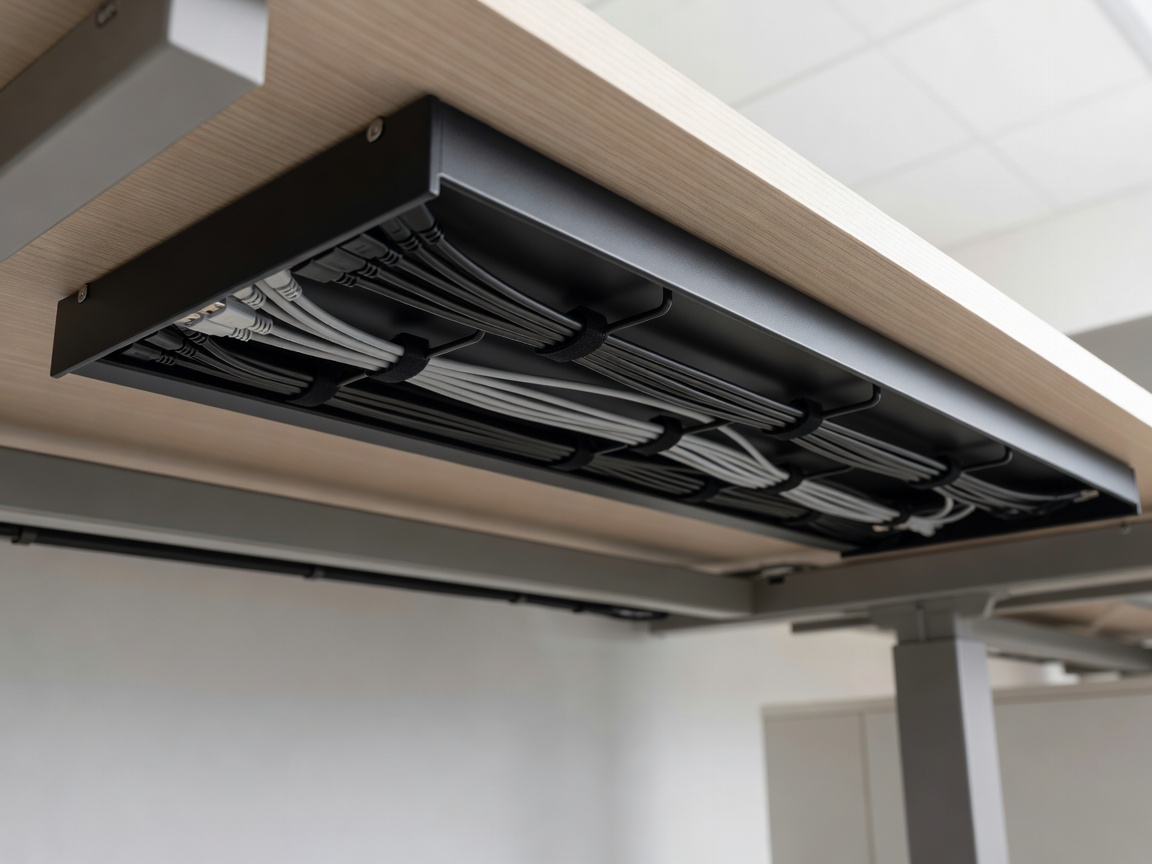
1. The Foundation: Under-Desk Cable Trays
A truly wireless visual experience requires moving all power strips and power bricks off the floor. Mounting a steel wire raceway or flame-retardant mesh tray directly to the underside of your desk frame creates a central repository for all bulky electrical adapters.
2. Monitor Arm Cable Routing
Stock monitor stands consume desk space and lack internal cable channels. Upgrading to a gas-spring monitor arm enables precise elevation adjustments (top of screen level with eye line) while channeling DisplayPort and power cables down the arm's internal sleeve.
3. Grouping & Sleeve Bundling
Combine mouse, keyboard, and peripheral wires into braided expandable sleeves. Group cables logically:
- Display & Audio Group: DisplayPort, HDMI, 3.5mm DAC wiring.
- Power Group: Monitor power cables, PC main power lead.
- Peripheral Group: USB hubs, microphone boom arm cabling.
4. Ergonomic Posture Rules for Gamers
Proper seating angle prevents wrist strain and spine fatigue. Ensure your knees are bent at a 90-degree angle with feet flat on the floor, and elbows supported at equal height to your desk surface.